
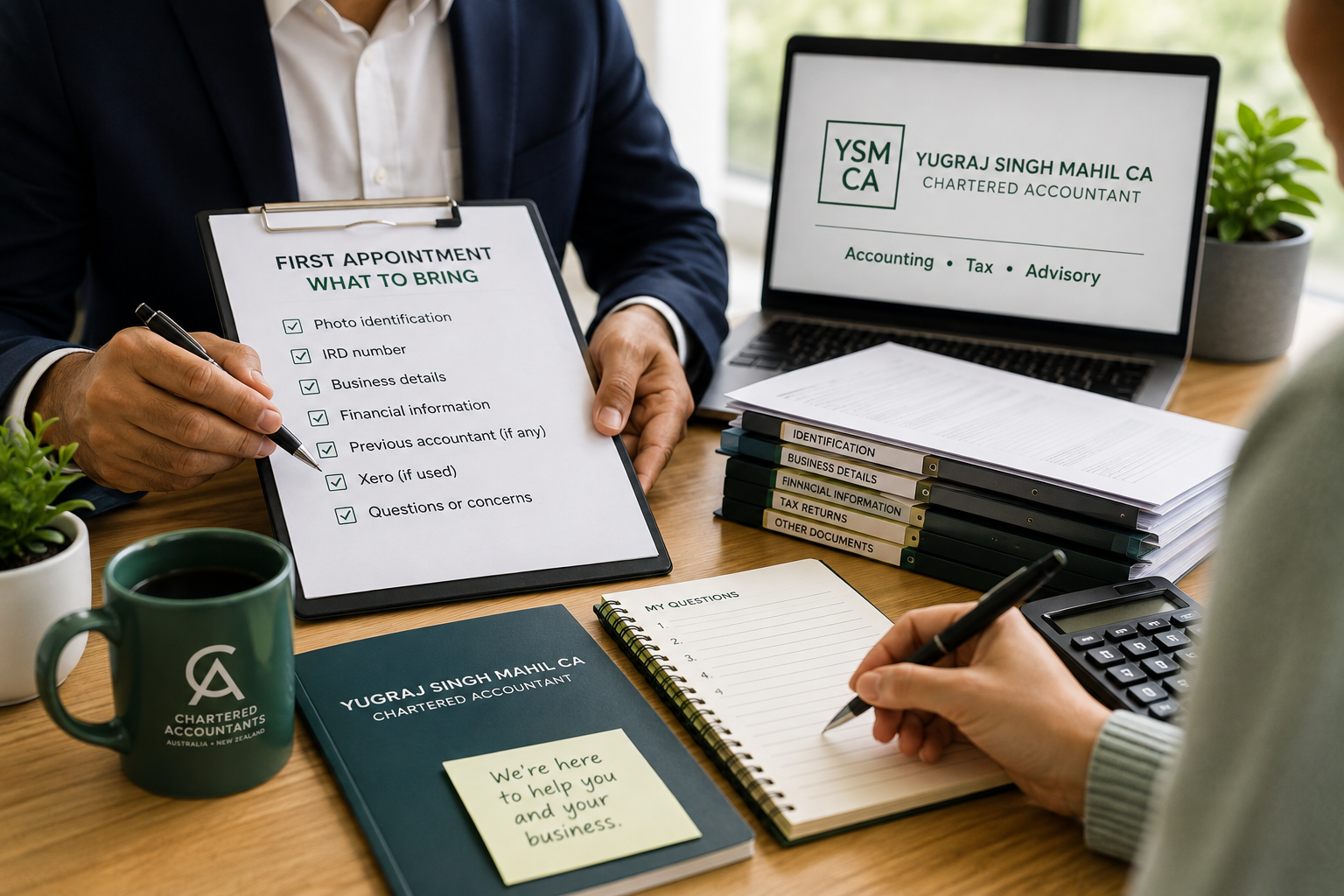
First Appointment: What to Bring
Your first meeting helps us understand you, your business structure and the accounting support you may need.
The meeting can be held by Microsoft Teams or WhatsApp, whichever suits you.
You do not need a Microsoft Teams subscription. We will send you the meeting link.
Please have:
Photo identification
Your IRD number
Current address
Phone number
Email address
Your Details
Your Business Details
If you have one company, please provide:
Company name
Company IRD number
Shareholders’ names and IRD numbers
Directors’ names and IRD numbers
Shareholders’ and directors’ email addresses
If you are in a partnership, please provide:
Partnership name
Partnership IRD number
Partner’s name
Partner’s IRD number
Partner’s email address
If you have more than one company or entity, please provide the same details for each one.
If You Are Changing Accountants
Please provide the name and contact details of your previous accountant.
If you already have your latest financial statements and tax returns, you can provide them.
If you do not have them, that is fine. Once the appropriate authority is in place, we can request the relevant records from your previous accountant.
Xero
If you use Xero, please let us know.
You do not need to give us access before the first meeting.
After the meeting, we can send you an email explaining how to provide the required Xero adviser access.
If you do not use Xero, that is fine.
Please make a short list of any questions or concerns you would like to discuss.
Questions
After the first meeting, we will:
confirm the next steps
send you a list of the documents and information we need
arrange any required authorities
start the onboarding process
What Happens Next?
Additional documents can be provided electronically after the meeting.
For security, please do not send passwords, verification codes or login details by ordinary email.